Lesson 4.6
Bills that crept up
Internet, phone and insurance creep, and how to ask for a lower rate. 4 min read
The big ideaLoyal customers often pay the most. A 10-minute call can fix that.
Internet, phone, insurance and streaming bills tend to rise a few dollars at a time. Promotional rates expire. “Fees” get added. Nobody sends a letter saying your bill went up 20%.
Spot the creep
Compare each bill with what it was a year ago. Anything up more than about 10% deserves a closer look.
The 10-minute call
- Look up what new customers pay for the same plan.
- Call and ask for “retention” or “loyalty” offers.
- Ask: “What can you do to lower my bill?” Then stay quiet and let them answer.
- Be ready to switch if they won’t help, and mean it.
Example · The Rivera family
Their internet bill had climbed from $65 to $89 over two years. One call, mentioning the $55 new-customer price, got them to $60 for twelve months. That’s $348 a year.
Insurance is worth shopping every year or two. Get quotes with the same coverage so you compare fairly.
Key notes
- Compare each bill with last year’s amount; question anything up more than 10%.
- Know the new-customer price before you call.
- Ask for retention offers, and be ready to switch.
A steward’s view
Regular check-ins keep your spending in line with your values, not just your habits.
Do it in the app
See which bills went up
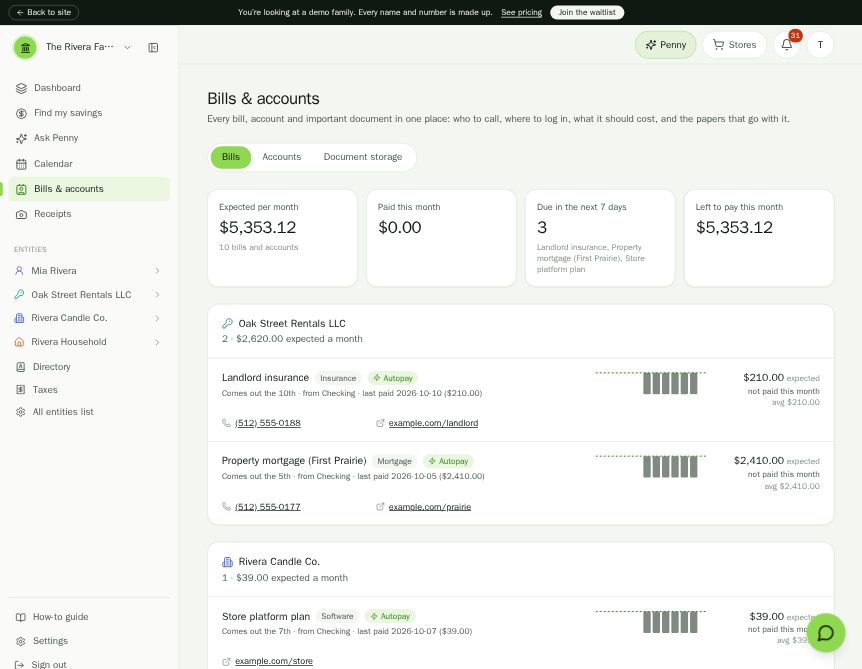
- 1Open Bills → Payment history on any bill: amounts more than 10% over what you expect turn red.
- 2In Find my savings → Subscriptions & bills, tap Lower this bill and Penny writes your call script.
Quick quiz
3 questions
Track this automatically in Stackyard
Connect your accounts once and Penny watches for this every time your banks sync.
For education only; not financial, tax or legal advice. Store rules, rates and tax figures change; check the source before you act.