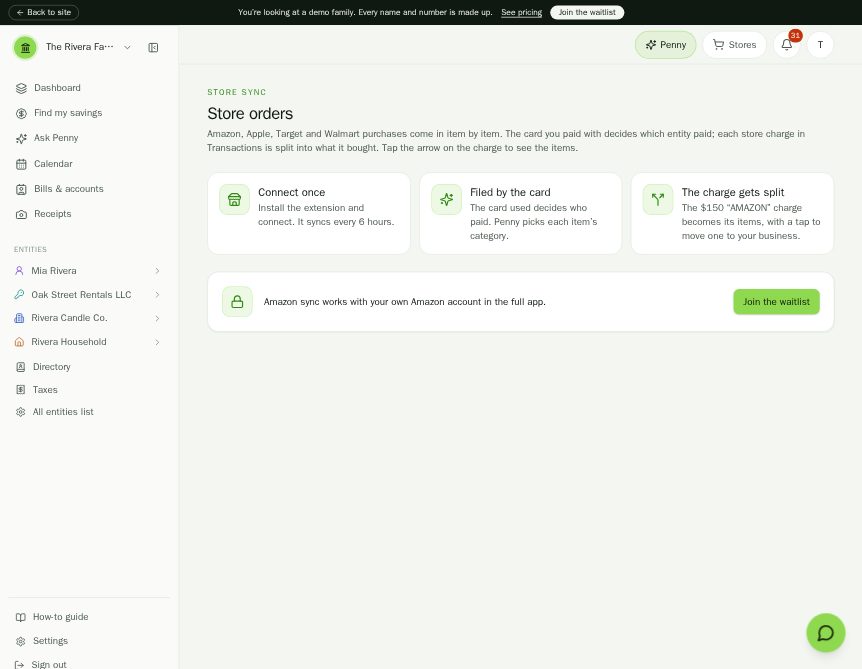
Store orders (Amazon)
Every Amazon charge split by item, so “AMAZON $187” becomes the actual things you bought.
Where it is in the app
The cart icon at the top right (also Settings → Store orders, and the Store connections card at the bottom of each entity’s Accounts page). Use the All / Amazon / Apple / Target / Walmart filter at the top of the list.
How it works
- 1Turn on Amazon sync with Penny Shopping Helper (Chrome, Edge or Brave on a computer), or download your orders file from Amazon and upload it.
- 2Orders come in item by item. The card you paid with decides which entity paid.
- 3In Transactions, tap the arrow on an Amazon charge to see its items, each with its own category and a photo of the product.
- 4Product photos: Penny Shopping Helper (version 1.15 or newer) picks up the picture next to each item on your Your Orders page, so items show their photo in Transactions, Store orders and Find my savings → Shopping. Photos fill in on the next sync, for older orders too. Orders brought in from an Amazon file have no photos.
- 5Find it cheaper: under any item over $5 (in Store orders or under the charge in Transactions), tap Find it cheaper and Penny checks other big stores for the same product and size by its photo and name. It uses shopping lookups (see Find my savings).
Want this for your family?
Hold my spot, free