Apple purchases
Split an APPLE.COM/BILL charge into the apps, iCloud+, games and subscriptions it actually paid for.
Where it is in the app
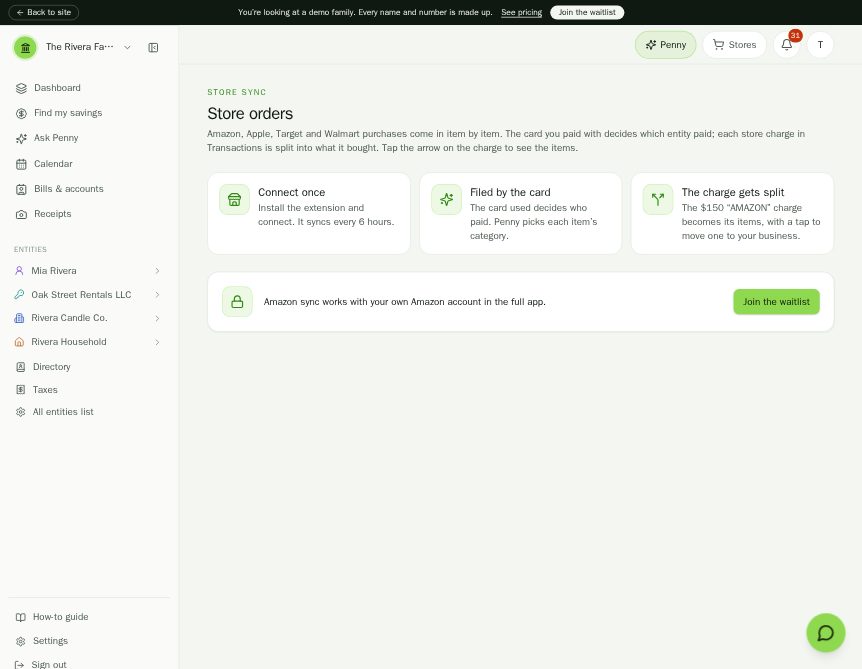
Cart icon (top right) → Store orders → the Apple filter. The sending is done from Apple’s purchase history with Penny Shopping Helper.
How it works
- 1Install or update Penny Shopping Helper (version 1.9 or newer) from Store orders, and connect it.
- 2In the helper, tap Turn on on the Apple row and click Allow when Chrome asks (once). The helper menu opens again: tap Connect, sign in with your Apple Account on the page that opens, and the row changes to Synced. You can close that tab.
- 3That’s it. In the background it brings in every paid purchase since January 1, then checks for new ones every 6 hours with Amazon. Nothing opens or pops up. If Apple signs you out, the helper’s Apple row says Sign in.
- 4Each Apple receipt comes in with its items. Once the bank charge posts, the APPLE.COM/BILL line in Transactions is split by item, with each item filed under its own category.
Want this for your family?
Hold my spot, free