Alerts
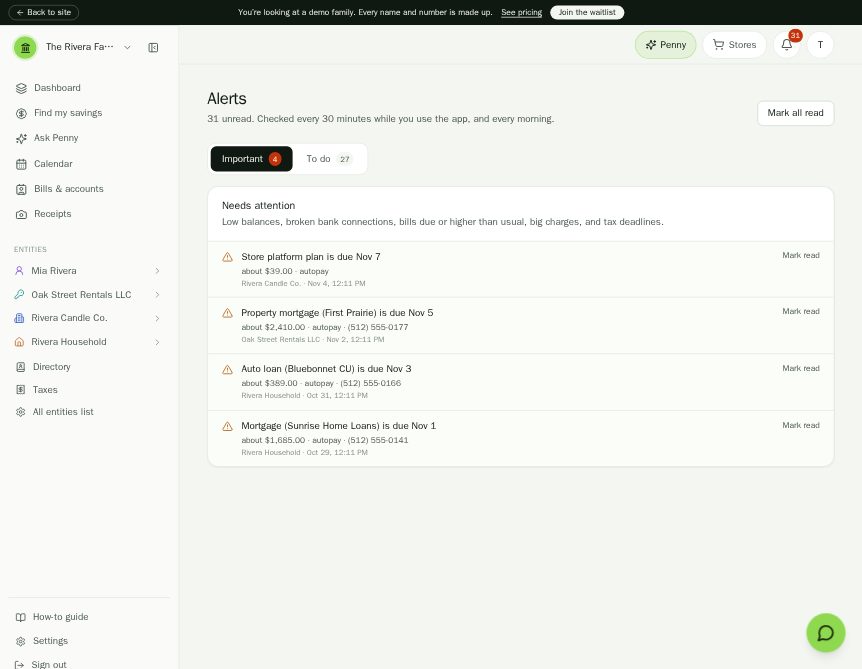
Bills due, low balances, big purchases, over-budget categories and bank connection problems.
Where it is in the app
The bell at the top right, with a count of unread (also Settings → Alerts).
How it works
- 1Open an alert to go straight to what needs doing.
- 2Alert settings sets the thresholds: leave a box empty to turn that alert off.
- 3Choose push, email or both under Settings → Notifications.
Want this for your family?
Hold my spot, free