Kids and family members
Give each child their own entity with accounts, allowance, goals and investments.
Where it is in the app
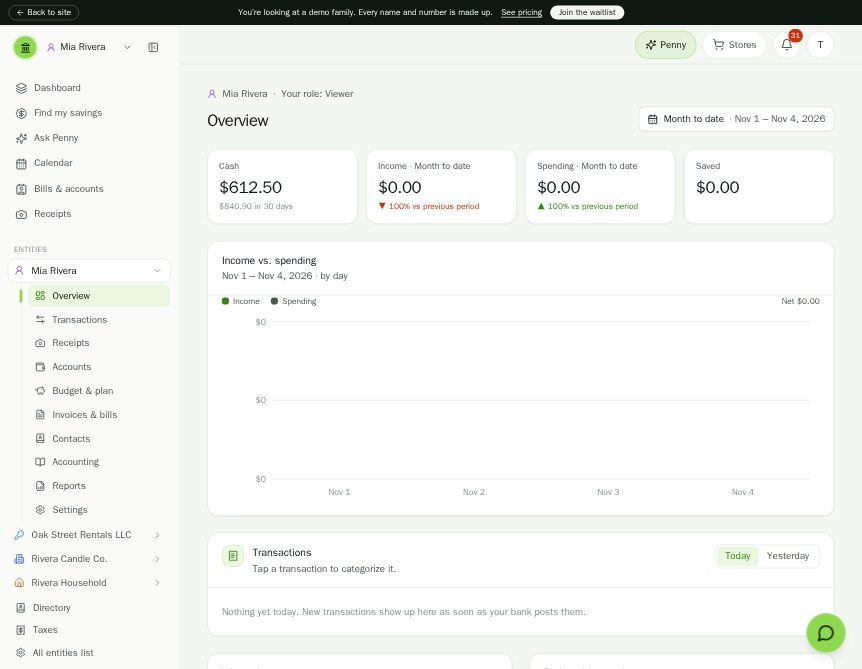
All entities list → Add an entity → Person. Then they appear under ENTITIES in the sidebar.
How it works
- 1Add a Person entity for the child. Their birth date shows their age everywhere.
- 2Add their bank or savings account (connected or by hand) and set goals.
- 3Allowance and money you give them are recorded as transfers between entities, so the household and the child both stay right.
- 4Invite an older child as a member with view-only access to just their own entity.
- 5Open Kids’ corner in the child’s menu for their jobs and pay chart, four jars, saving goal and money games.
- 6A kid’s menu leaves out Invoices to keep it simple. If your child has a small business or side job that sends invoices, the account owner can turn it on in that kid’s Settings → Invoices ($5 a month per kid, on top of your plan).
Want this for your family?
Hold my spot, free