Budget & plan
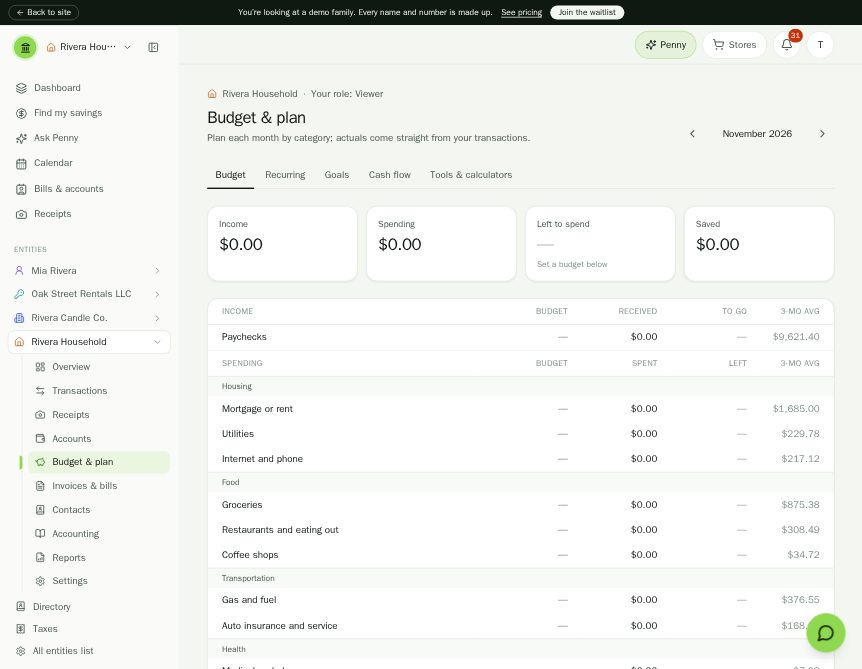
Set monthly amounts per category and see them against what actually came in and went out.
Where it is in the app
Sidebar → click an entity → Budget & plan. Tabs: Budget, Recurring, Goals, Cash flow, Tools & calculators (debt payoff, taxes by state, paycheck, self-employment, emergency fund, savings goal, depreciation and allowance).
How it works
- 1Pick the month at the top.
- 2Fill it quickly from your average over the last three months, or copy last month, then adjust any line.
- 3Each row shows budgeted, actual and what’s left. Over-budget rows turn red, and you can be alerted.
Want this for your family?
Hold my spot, free